
Free Ren’Py ImageButton Toggle Source Code
A downloadable asset pack
Free Ren’Py imagebutton toggle example with a flashlight
~Meoww! 💌🐾(=^w^=)🩵✨ ~Hii my dear code adventurers! Mia here! This free Ren’Py ImageButton Toggle source code shows you how to build a simple flashlight ON/OFF system, with a smooth background color change, and a fully commented example you can reuse in any visual novel project, nyaa~

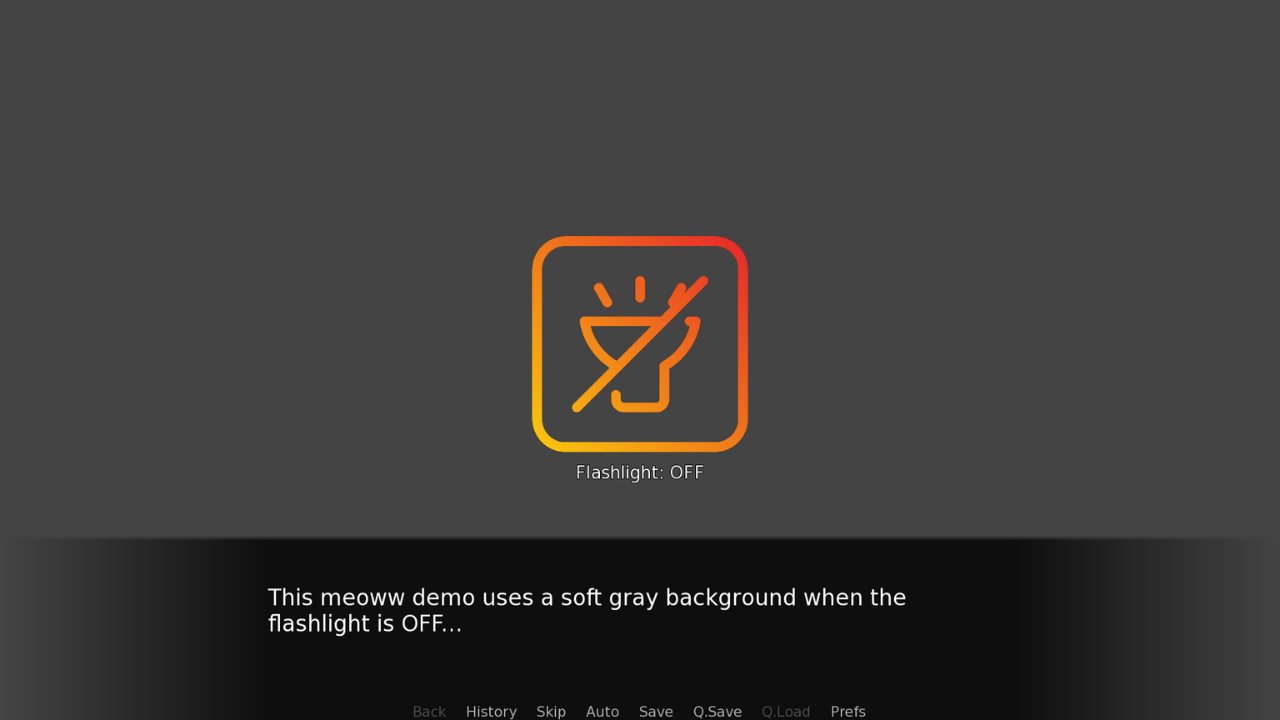
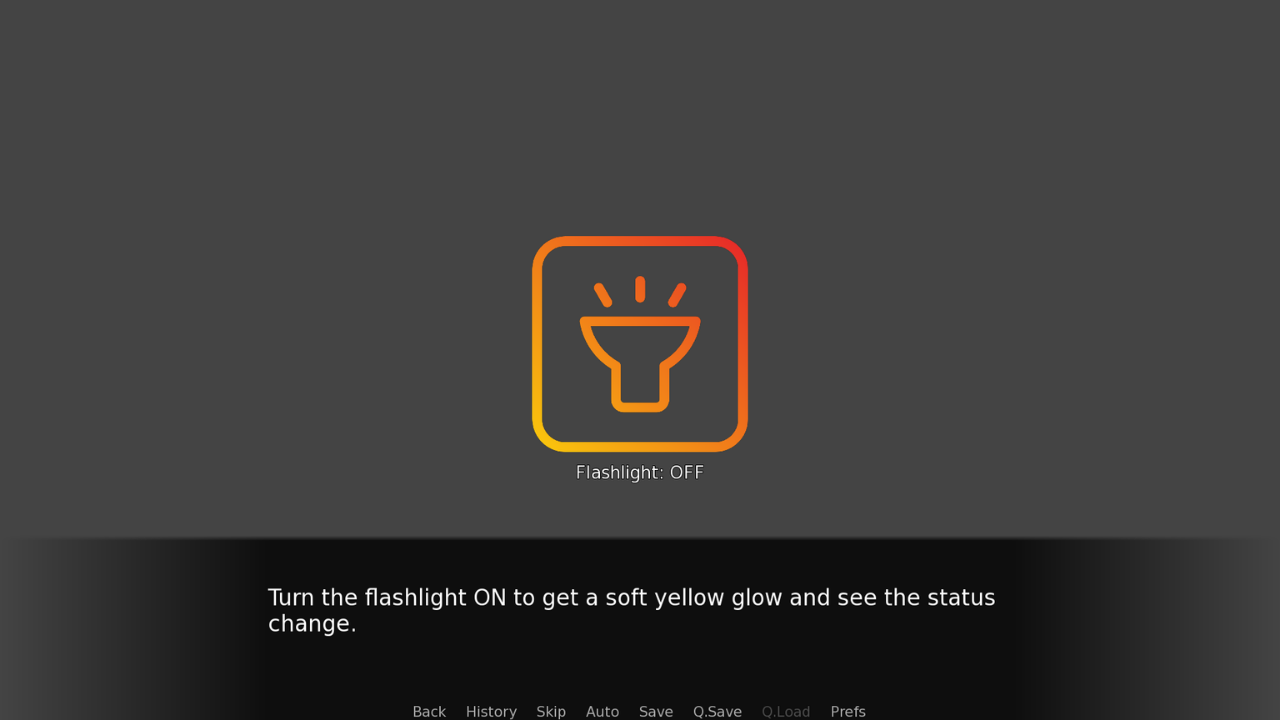
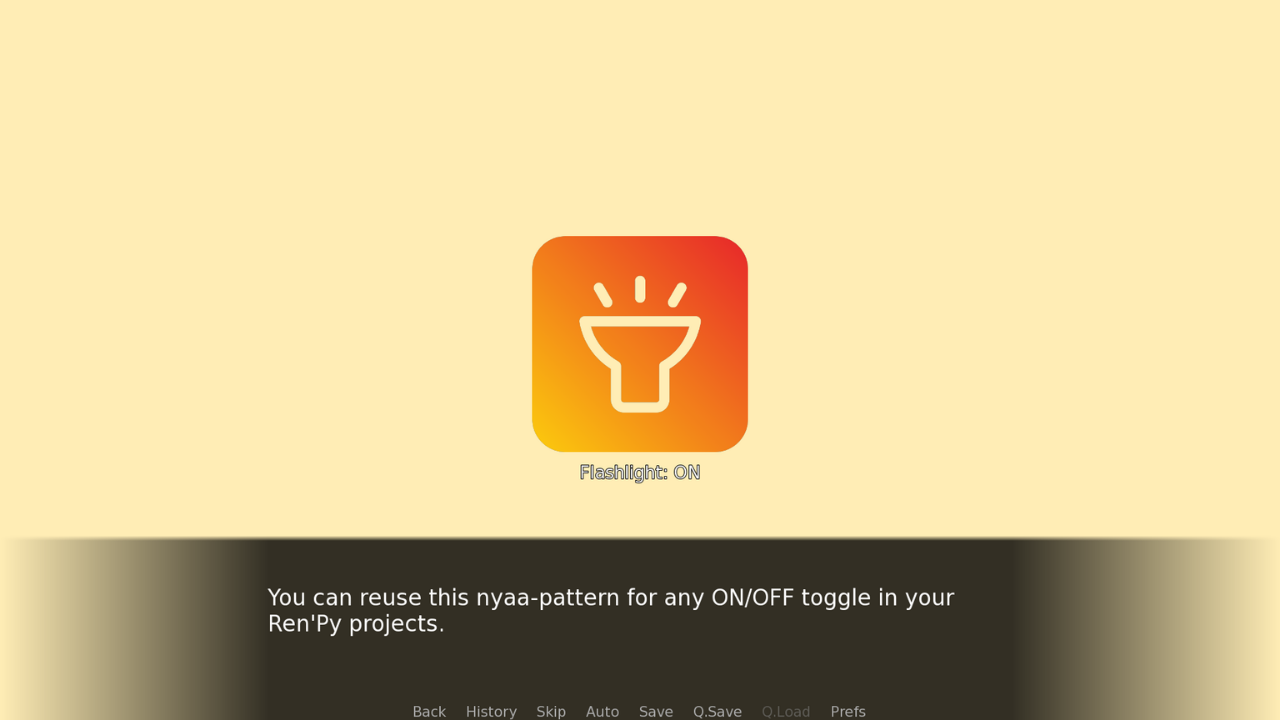
This free Ren’Py ImageButton Toggle source code pack gives you a complete flashlight demo that you can drop into any visual novel project. The example focuses on a centered Ren’Py imagebutton that switches between idle, hover and ON states, using clean ATL-friendly logic and a simple boolean variable to control the visual feedback. Each click toggles the flashlight between OFF and ON, updates the icon to the proper sprite, and displays a tiny Ren’Py notify toast at the top of the screen so the player instantly understands the current state.
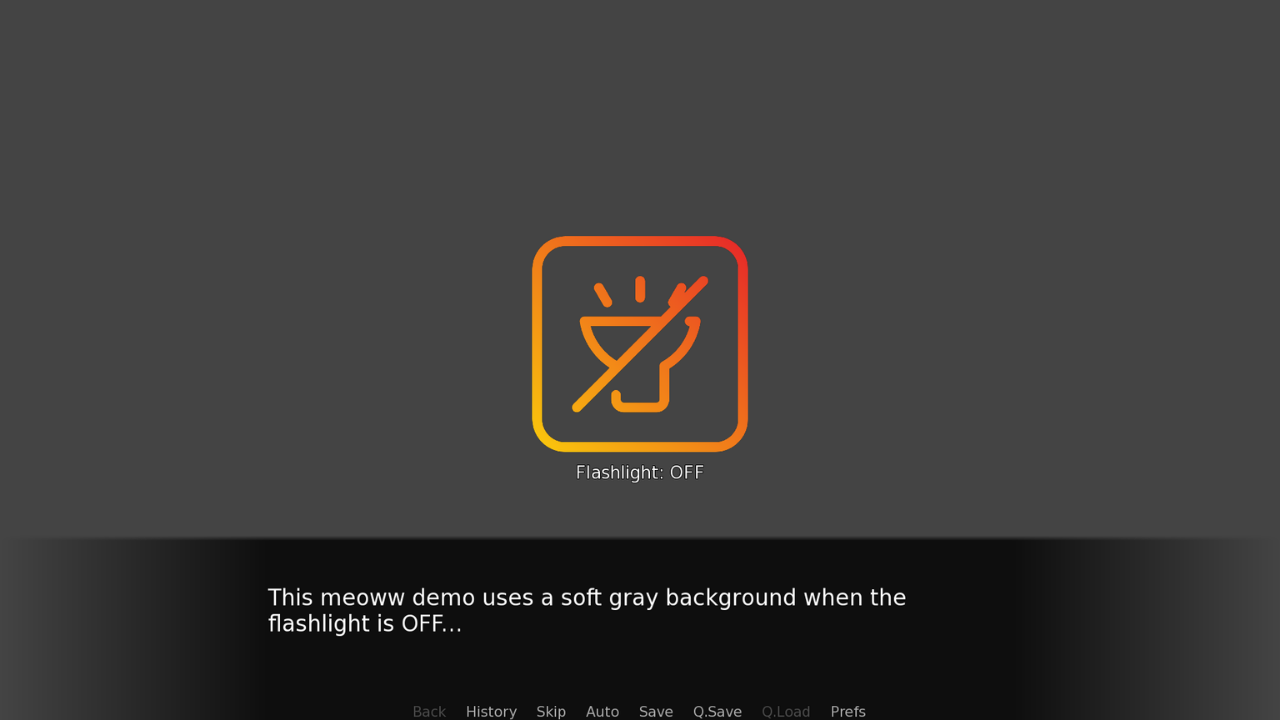
To make the user interface feel more immersive, the background color also reacts to the toggle. When the flashlight is OFF, the demo shows a soft neutral gray suited for horror games, puzzle scenes or any dark atmosphere. When the flashlight is ON, the scene fades to a gentle pastel yellow glow, nyaa! This Ren’Py example is a solid starting point for PC and mobile visual novels.
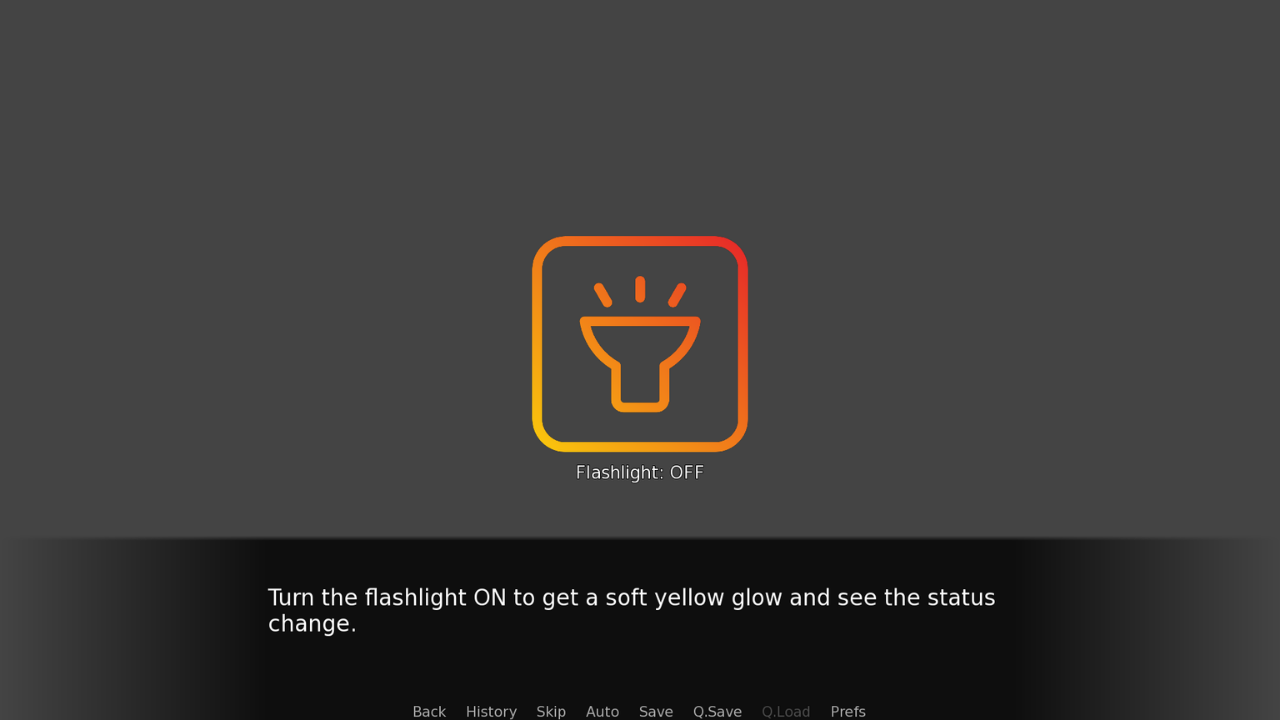
The code includes auto-scaled image definitions for the idle, hover and active flashlight states and a centered HUD screen that keeps the icon and status text purrfectly aligned in the middle of the screen. The imagebutton uses Ren’Py’s selected property to bind the ON/OFF state directly to the flashlight_on variable, which makes the toggle logic very readable and easy to extend. Below the icon, a clear line of text shows “Flashlight: ON” or “Flashlight: OFF”, with a thin outline so it remains readable on both the gray and yellow backgrounds. Everything is fully commented in my friendly meoww style, so even beginners learning Ren’Py imagebuttons and design can follow along line by line.
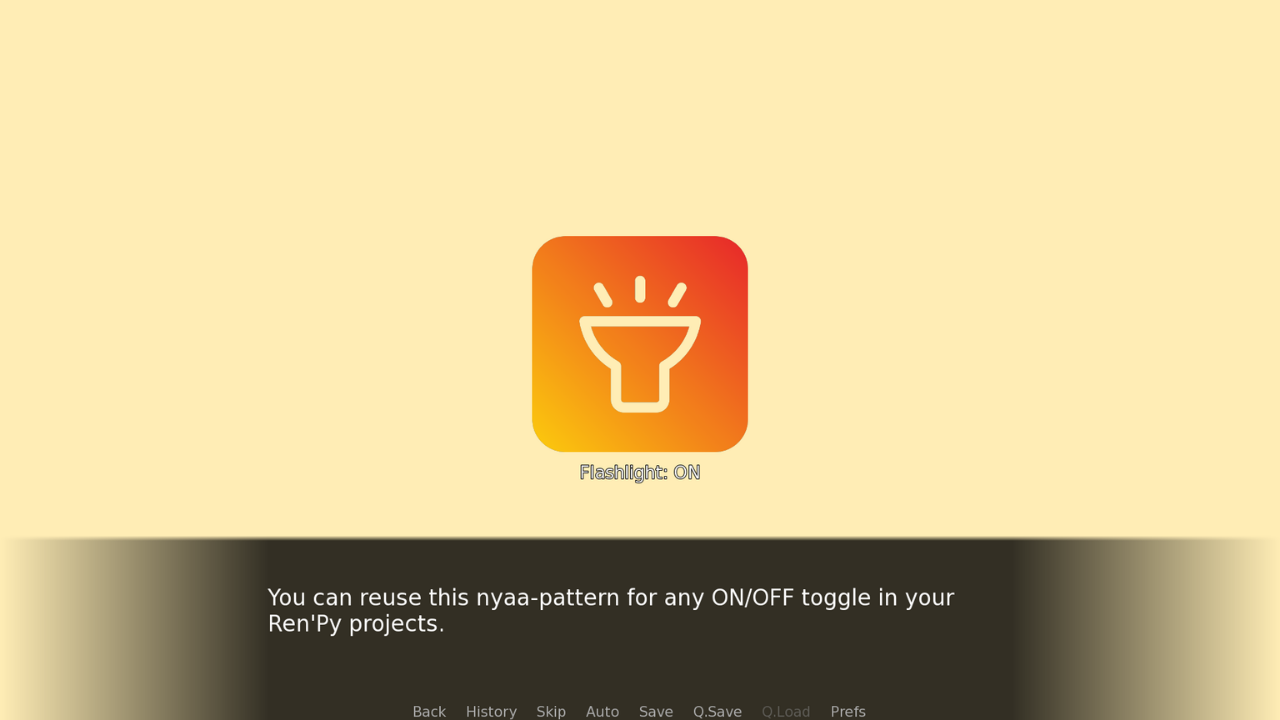
You can reuse this Ren’Py ImageButton Toggle pattern for almost any ON/OFF mechanic in your game: a light switch in a horror visual novel, a music mute button in the preferences, a day/night mode in a city screen, or any simple boolean state that needs a clear visual indicator. Just change the icons and text, keep the same structure, and you instantly get a clean, reusable component for your own Ren’Py projects.
~Hope that helps, nyaa!
~Love youu and have a meoww Blessed day or night, nyaa~
~Mia 📖(≧◡≦)💖🌠
Download

Comments
Log in with itch.io to leave a comment.
Thank you!